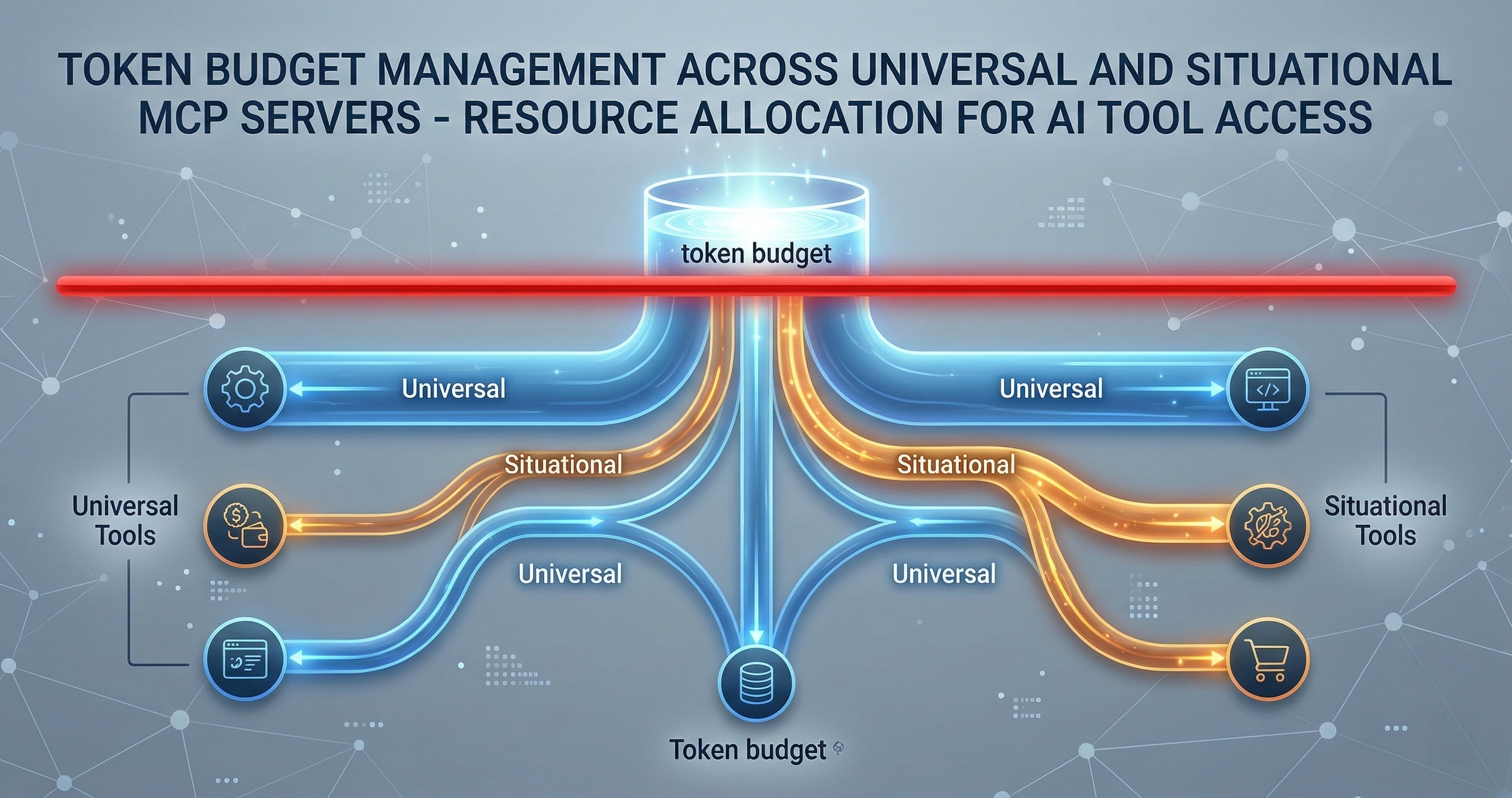
Universal vs Situational MCPs: Managing Token Budgets
I run 12 MCP servers. Loading them all at once burns 60K tokens before my AI reads a single line of code. Here's how I split them into always-on and on-demand tiers.
I run 12 MCP servers. If I loaded them all simultaneously, I’d burn 60K tokens just on tool descriptions before the AI even reads my question.
That’s not a theoretical problem. That’s my Tuesday morning.
MCP — Model Context Protocol — is Anthropic’s open standard for giving AI models access to external tools. Each server exposes a set of tools with descriptions, parameter schemas, and return types. The model reads those descriptions to decide which tools to call. More servers means more descriptions means more tokens consumed before any actual work happens.
The Token Tax Nobody Mentions
Every MCP server you connect imposes a token tax. The model needs to understand what each tool does, what parameters it accepts, and what it returns. A simple server with 3 tools might cost 500 tokens. A complex one with 54 tools costs 4,000+.
Here’s the math from my actual setup:
- Memory MCP: ~800 tokens (6 tools)
- Sequential Thinking: ~400 tokens (1 tool)
- Gmail: ~3,200 tokens (18 tools)
- Google Calendar: ~2,800 tokens (13 tools)
- Chrome Automation: ~4,500 tokens (18 tools)
- Connascence Analyzer: ~4,200 tokens (54 tools)
Load everything at once and you’re looking at 15,900+ tokens of tool descriptions. In a 200K context window, that’s 8% of your budget gone before the conversation starts. In a 128K window, it’s 12%. And that’s before your system prompt, CLAUDE.md instructions, memory context, and the actual files you need to work with.
The cost compounds. Every message in the conversation includes those tool descriptions. A 20-message session with all tools loaded wastes over 300K tokens on repeated tool descriptions alone.
The Split: Universal vs Situational
I solved this by categorizing every MCP server into one of two tiers.
Universal MCPs load on every session. They’re small, they’re always relevant, and their token cost is justified by how often they get used. My universal set costs about 2,700 tokens total:
- Memory MCP (~800 tokens): Cross-session persistence. Every conversation benefits from remembering what happened in previous sessions. This is non-negotiable.
- Sequential Thinking (~400 tokens): Structured reasoning chains. When the model needs to think through a multi-step problem, this prevents it from jumping to conclusions. One tool, minimal cost, high value.
That’s it. Two servers. 1,200 tokens. Everything else is situational.
Situational MCPs load only when the task requires them. The trigger is explicit — either I activate them manually or a routing layer detects the need. My situational set includes:
- Gmail + Calendar (~6,000 tokens): Only when I’m doing email triage, scheduling, or life automation tasks. Zero value during a coding session.
- Chrome Automation (~4,500 tokens): Only when I need browser interaction — scraping, form filling, visual verification. Maybe 5% of my sessions.
- Connascence Analyzer (~4,200 tokens): Only during code quality audits. Powerful when needed, dead weight otherwise.
Why Two Tiers Isn’t Enough
In practice, I’ve found a third category emerging: Ambient MCPs. These are servers that don’t need to be loaded into context but should be available for activation mid-session.
The difference matters. A situational MCP requires you to know upfront that you’ll need it. An ambient MCP can be summoned when the conversation reveals a need you didn’t anticipate.
Claude Code already handles this with deferred tool loading. Tools exist in an available pool but don’t consume tokens until you search for and select them. This is the right architecture. The model sees a lightweight menu of available servers, not the full tool catalog.
The pattern looks like this:
- Always loaded: Memory, Sequential Thinking (1,200 tokens)
- Deferred but available: Gmail, Calendar, Chrome, Connascence (ready in the pool, zero token cost until activated)
- Not connected: Servers for tasks you’re not doing today
Trigger-Based Activation
The manual approach works but doesn’t scale. When I say “check my email,” I shouldn’t have to remember to load the Gmail MCP first. The system should detect the intent and load the right tools.
I’ve experimented with three trigger patterns:
Keyword triggers are the simplest. Mention “email” or “inbox” and the Gmail MCP loads. Mention “calendar” or “schedule” and the Calendar MCP loads. This works for obvious cases but fails on indirect references. “Follow up with Kristen” implies email but doesn’t contain the keyword.
Intent classification is more reliable. A small model (or even a regex pipeline) reads the user prompt and classifies the likely tool needs before the main model processes it. This adds latency but catches indirect references. The classifier doesn’t need to be perfect — false positives just load an extra MCP, which is cheaper than missing a needed one.
Session-type templates are what I actually use most. I start sessions with a rough category: “coding,” “email triage,” “research,” “life admin.” Each category has a preset MCP configuration. Coding loads memory + sequential thinking. Email triage adds Gmail + Calendar. Research adds Chrome automation. This is crude but fast, and I can always load additional servers mid-session.
The Budget Framework
Here’s my rule of thumb for deciding whether an MCP server belongs in the universal tier:
- Frequency test: Will this server be useful in more than 70% of sessions? If yes, it’s universal.
- Cost test: Does it consume less than 1,000 tokens? If yes, the penalty for loading it unnecessarily is low.
- Dependency test: Do other tools depend on this server’s output? Memory MCP passes this — other tools benefit from session context even when they don’t directly call memory functions.
If a server passes all three, it’s universal. If it passes one or two, it’s ambient (deferred). If it passes zero, it’s situational or disconnected.
Real Numbers From Production
I tracked token usage across 200 sessions with my optimized setup versus the “load everything” approach.
Load everything: Average 18,400 tokens per session on tool descriptions alone. Peak sessions hit 23,000 when all tools were repeatedly included in long conversations.
Tiered loading: Average 3,100 tokens per session on tool descriptions. Most sessions only needed the universal set plus one situational server.
That’s an 83% reduction in overhead tokens. In a billing context, that’s real money. In a context window context, that’s 15K more tokens available for actual code, documents, and reasoning.
What This Means for MCP Server Design
If you’re building MCP servers, this has design implications.
Keep tool counts low. My Connascence analyzer has 54 tools because it genuinely needs them for different analysis types. But most servers don’t need that many. Every tool you add costs tokens for every user in every session where your server is loaded. Be ruthless about what earns a spot.
Write concise descriptions. The model reads your tool descriptions to decide when to call them. Verbose descriptions waste tokens. “Search emails by query string, sender, date range, or label” is better than a three-paragraph explanation of Gmail’s search syntax.
Group related tools into fewer servers. Ten servers with 3 tools each costs more in overhead than three servers with 10 tools each. The per-server connection and metadata overhead adds up.
Support deferred loading. If your server exposes tools that are only needed occasionally, consider splitting it into a core server (always loaded) and an extended server (loaded on demand).
The Bigger Picture
MCP is still early. The protocol is solid, but the tooling around resource management is primitive. We’re in the “load everything and hope” phase that every platform goes through before someone builds proper resource management.
The eventual answer is probably something like a token-aware MCP router that dynamically loads and unloads servers based on conversation state, budget constraints, and usage patterns. The model shouldn’t need to see 54 tool descriptions to decide it needs to run a connascence analysis — it should see “code quality analysis available” and load the full catalog only when it decides to use it.
Until that infrastructure exists, the manual tiering approach works. Universal servers stay loaded. Everything else earns its tokens.
I build AI development infrastructure — memory systems, code quality analyzers, and governance tools that make AI-assisted development actually work at scale. If you’re running into the same MCP scaling problems, let’s compare notes: cal.com/davidyoussef