Building Custom Connectors: Extend GuardSpine to Any System
The connector SDK lets you turn any data source into a governed evidence stream with two method implementations. Here is how to build one.
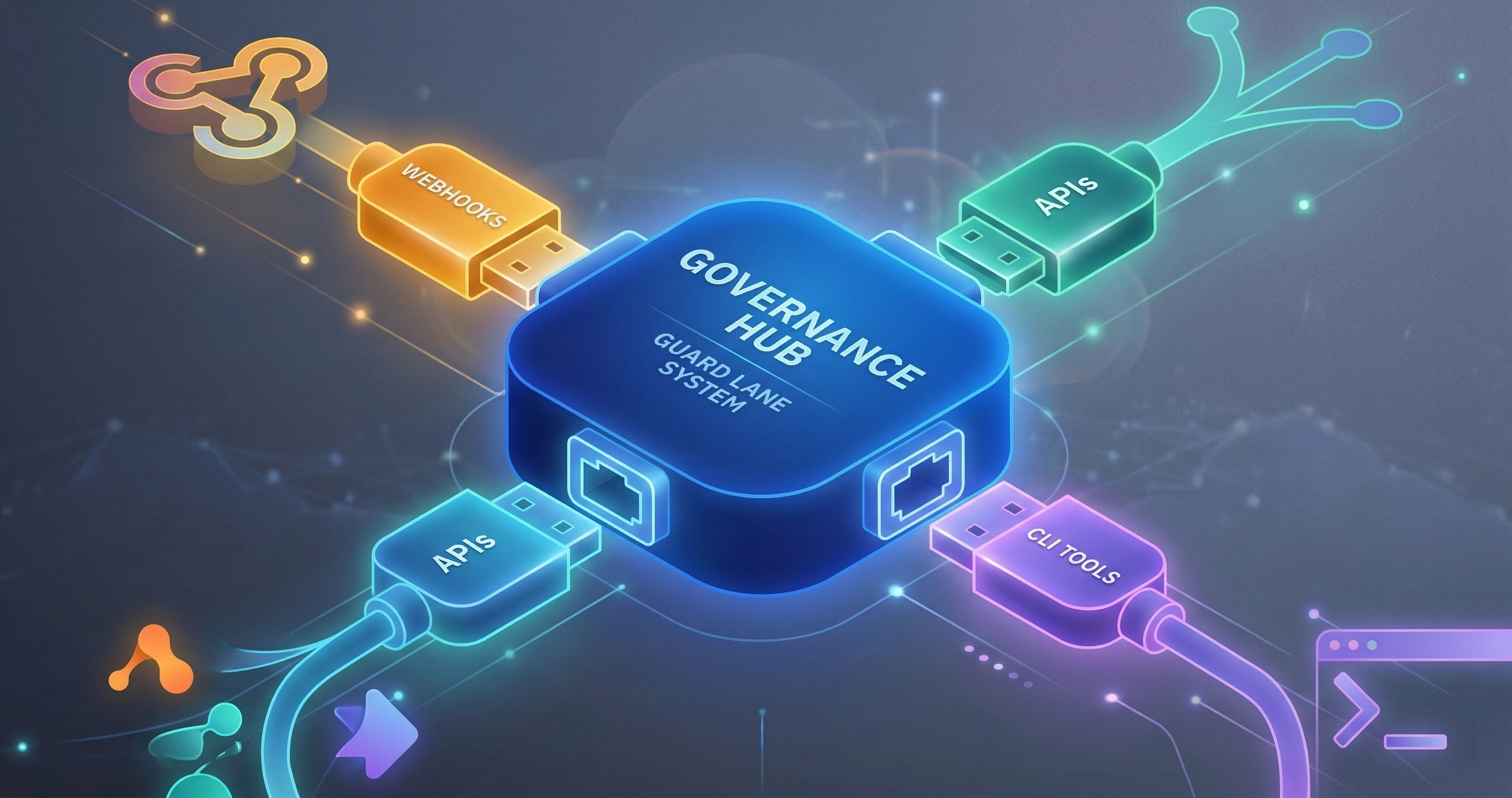
GuardSpine does not need to integrate with every system. You do. The connector SDK lets you turn any data source into a governed evidence stream with two method implementations.
I made this decision early: we will never have enough engineers to build connectors for every system our customers use. Jira, ServiceNow, Confluence, Notion, Salesforce, Workday, SAP, internal tools nobody outside the company has heard of — the long tail of enterprise software is infinite. Building and maintaining connectors for all of them is a losing game.
So instead of building connectors, we built a connector SDK. You write two methods. We handle everything else.
The Connector SDK
A GuardSpine connector is a class that extends GuardSpineConnector. The base class handles evidence bundle creation, hash chain construction, signing, and emission. Your connector handles exactly two things: connecting to the data source and fetching artifacts.
import { GuardSpineConnector, Artifact } from '@guardspine/connector-sdk';

class JiraConnector extends GuardSpineConnector {
  async connect(): Promise<void> {
    // Establish connection to Jira
    this.client = new JiraClient({
      baseUrl: this.config.jiraUrl,
      apiToken: this.config.apiToken,
    });
  }

  async fetchArtifacts(since?: Date): Promise<Artifact[]> {
    // Fetch changed artifacts since the given timestamp
    const issues = await this.client.searchIssues({
      jql: since
        ? `updated >= "${since.toISOString().split('T')[0]}"`
        : 'ORDER BY updated DESC',
      maxResults: 100,
    });

    return issues.map(issue => ({
      id: issue.key,
      type: 'jira/issue',
      content: {
        key: issue.key,
        summary: issue.fields.summary,
        status: issue.fields.status.name,
        assignee: issue.fields.assignee?.displayName,
        changelog: issue.changelog?.histories || [],
      },
      metadata: {
        project: issue.fields.project.key,
        priority: issue.fields.priority.name,
        updated: issue.fields.updated,
      },
    }));
  }
}
That is a working Jira connector. The connect() method sets up the API client. The fetchArtifacts() method queries for changed issues and returns them as Artifact objects.
Everything else — the diff computation between the current and previous state, the evidence item creation, the hash chain, the root hash, the signature, the bundle emission — the SDK handles.
What the SDK Does for You
When you call connector.run(), the SDK executes this pipeline:
1. Connect. Calls your connect() method. If it throws, the run fails cleanly with an error.
2. Fetch. Calls your fetchArtifacts(since) method. The since parameter is the timestamp of the last successful run. On first run, it is undefined.
3. Diff. For each artifact, the SDK compares the current state to the previously stored state (if any). It computes a structured diff: which fields changed, what the old values were, what the new values are.
4. Transform. The SDK calls transformToEvidenceItems() on the diff. This converts the raw diff into properly typed evidence items with content_type, content, and sequence fields. You can override this method if you want custom evidence item formatting, but the default works for most cases.
5. Build proof. The SDK calls buildImmutabilityProof() on the evidence items. This constructs the hash chain, computes the root hash, and returns the immutability proof structure. You should not need to override this.
6. Sign and emit. The SDK calls emitEvidenceBundle() which signs the root hash, assembles the complete bundle, and delivers it to the configured output (file, API, message queue, webhook).
Three of these six steps are your code (connect, fetch, and optionally transform). Three are the SDK’s code (diff, build proof, emit). That is the division of labor.
A Slack Connector
Here is a Slack connector that governs channel messages:
import { GuardSpineConnector, Artifact } from '@guardspine/connector-sdk';
import { WebClient } from '@slack/web-api';

class SlackConnector extends GuardSpineConnector {
  private slack: WebClient;

  async connect(): Promise<void> {
    this.slack = new WebClient(this.config.slackToken);
    // Verify connection
    await this.slack.auth.test();
  }

  async fetchArtifacts(since?: Date): Promise<Artifact[]> {
    const channels = this.config.channels || [];
    const artifacts: Artifact[] = [];

    for (const channel of channels) {
      const result = await this.slack.conversations.history({
        channel,
        oldest: since ? String(since.getTime() / 1000) : undefined,
        limit: 200,
      });

      for (const message of result.messages || []) {
        // Skip bot messages and thread replies
        if (message.subtype === 'bot_message' || message.thread_ts) continue;

        artifacts.push({
          id: `${channel}-${message.ts}`,
          type: 'slack/message',
          content: {
            channel,
            user: message.user,
            text: message.text,
            timestamp: message.ts,
            edited: message.edited ? {
              user: message.edited.user,
              timestamp: message.edited.ts,
            } : null,
            attachments: (message.attachments || []).map(a => ({
              title: a.title,
              text: a.text,
              type: a.content_type,
            })),
          },
          metadata: {
            channel,
            is_edited: !!message.edited,
            has_attachments: (message.attachments || []).length > 0,
          },
        });
      }
    }

    return artifacts;
  }
}
Same pattern. Two methods. The connect() method authenticates with Slack. The fetchArtifacts() method pulls messages from configured channels since the last run.
Why would you govern Slack messages? Consider a regulated financial services firm where trader communications must be archived and auditable. Or a healthcare organization where clinical discussions in Slack channels constitute part of the medical record. Or an engineering team where architecture decisions made in Slack should be traceable.
The connector does not judge whether a message is important. It captures the evidence. Your policies and classification rules decide what matters.
Connector Configuration
Connectors are configured in .guardspine/connectors.yml:
connectors:
  - name: jira-production
    type: jira
    schedule: "*/15 * * * *"  # Every 15 minutes
    config:
      jiraUrl: https://your-org.atlassian.net
      apiToken: ${JIRA_API_TOKEN}
    classification:
      default_tier: L2
      patterns:
        - field: priority
          value: Critical
          tier: L4
        - field: project
          value: SEC
          tier: L3

  - name: slack-engineering
    type: slack
    schedule: "0 * * * *"  # Every hour
    config:
      slackToken: ${SLACK_BOT_TOKEN}
      channels:
        - C01234ABCDE  # #engineering
        - C05678FGHIJ  # #architecture-decisions
    classification:
      default_tier: L1
      patterns:
        - content_match: "deploy|production|rollback"
          tier: L3
Environment variables are substituted at runtime. Secrets never appear in config files.
The schedule field uses cron syntax. The connector runs on schedule, fetches new artifacts, diffs them against previous state, and emits evidence bundles. Between runs, no compute is consumed.
The classification section defines risk tier rules specific to this connector. A Jira issue marked Critical gets L4. A Slack message mentioning “deploy” or “production” gets L3. These rules compose with the global classification rules.
The Webhook Adapter Alternative
Not every system pushes data on a schedule. Some systems push events to you. For these, there is guardspine-adapter-webhook.
The webhook adapter is a standalone HTTP server that receives events from external systems, validates their authenticity, transforms them into artifacts, and runs them through the evidence pipeline.
Three adapters ship out of the box:
GitHub Webhook Adapter
Receives GitHub webhook events (push, pull_request, issue, etc.) and validates them using HMAC-SHA256.
webhooks:
  - name: github-main
    type: github
    path: /webhooks/github
    secret: ${GITHUB_WEBHOOK_SECRET}
    events:
      - push
      - pull_request
      - issues
    classification:
      push:
        default_tier: L2
        patterns:
          - branch: "main|master"
            tier: L3
      pull_request:
        default_tier: L2
When GitHub sends a webhook, the adapter:
- Validates the
X-Hub-Signature-256header against the shared secret. Invalid signatures are rejected — no processing occurs. - Parses the event payload.
- Transforms it into an
Artifact. - Runs it through the evidence pipeline.
The HMAC-SHA256 validation is critical. Without it, anyone who knows the webhook URL can inject fake events. With it, only GitHub (which has the shared secret) can produce valid payloads.
GitLab Webhook Adapter
Same concept, different platform. GitLab uses a token header (X-Gitlab-Token) instead of HMAC signatures.
webhooks:
  - name: gitlab-main
    type: gitlab
    path: /webhooks/gitlab
    token: ${GITLAB_WEBHOOK_TOKEN}
    events:
      - push
      - merge_request
      - pipeline
Generic Webhook Adapter
For systems that do not have a specific adapter, the generic adapter accepts any JSON payload and lets you define the transformation:
webhooks:
  - name: custom-deploy-system
    type: generic
    path: /webhooks/deploy
    auth:
      type: bearer
      token: ${DEPLOY_WEBHOOK_TOKEN}
    transform:
      id_field: "deployment.id"
      type: "deploy/event"
      content_fields:
        - "deployment.environment"
        - "deployment.version"
        - "deployment.triggered_by"
        - "deployment.timestamp"
      metadata_fields:
        - "deployment.status"
        - "deployment.duration_seconds"
The transform section maps fields from the incoming JSON to the Artifact structure. id_field is the JSONPath to the unique identifier. content_fields become the artifact content. metadata_fields become the artifact metadata.
This means you can connect any system that can send an HTTP POST with a JSON body. Internal deployment tools. Monitoring systems. Approval workflows. Anything.
Polling vs. Push: When to Use Which
Use a connector (polling) when:
- The data source does not support webhooks.
- You need to capture the full state, not just change events.
- The data source is behind a firewall and cannot push to an external endpoint.
- You want to control the fetch frequency precisely.
Use a webhook adapter (push) when:
- The data source sends real-time events.
- You only care about changes, not full state.
- Latency matters — you want evidence bundles created within seconds of the event.
- The data source is a SaaS platform with webhook support (GitHub, GitLab, Slack, Jira Cloud).
You can use both for the same system. A Jira connector that polls every 15 minutes for a complete view, plus a Jira webhook that captures changes in real time. The evidence bundles will overlap, but deduplication handles that — each artifact has a unique ID, and the SDK does not create duplicate evidence items for the same artifact version.
Writing Your Own Connector: The Checklist
If you are writing a connector for an internal system, here is the checklist:
-
Can you authenticate? Your
connect()method needs credentials. API tokens, OAuth, service accounts — whatever the system supports. Store credentials in environment variables, never in config files. -
Can you query for changes? Your
fetchArtifacts(since)method needs to ask the system “what changed since this timestamp?” If the system does not support time-based queries, you will need to fetch everything and let the SDK diff against previous state. This works but is less efficient. -
What is an artifact? Define what constitutes a single governed unit. For Jira, it is an issue. For Slack, it is a message. For a deployment system, it is a deployment event. Each artifact gets its own evidence trail.
-
What fields matter? The
contentobject should contain every field that, if changed, constitutes a governed modification. Themetadataobject contains fields that provide context but are not themselves governed (like timestamps and priorities). -
What are the risk patterns? Define classification rules in the connector config. Which artifacts are L0 and which are L4? Base this on the actual risk profile of the system, not generic defaults.
That is five questions. If you can answer all five, you can write the connector in an afternoon. Most of the code is the API client calls to the external system. The governance logic is the SDK’s job.
The Long Tail
We ship connectors for GitHub, GitLab, Jira, Slack, and Confluence. The community has built connectors for ServiceNow, Notion, Linear, and a few internal tools that I cannot name.
But the point of the SDK is that you do not wait for us. If your organization uses a system we have not heard of, you write two methods and you have governance for that system. The evidence bundles are the same format. The verification works the same way. The audit trail is the same quality.
That is the architecture decision that lets a small team govern a large surface area. We build the framework. You build the last mile. The evidence bundles meet in the middle.
Book a call if you want to walk through building a connector for your specific systems. I will pair-program it with you — most connectors take less than two hours from scratch to first evidence bundle.